Site Maintenance with Arista eAPI

I started a public GitHub Repository in order to share some of my Python automation tools.

I work remotely on a large number of Arista switches and I have developed a script that captures the state of the network in order to run a comparison before and after network maintenance events. We have a monitoring system in place that alerts on various SNMP traps and events, but often times I need to interpret a number of changes via my network engineer lens to confirm that a maintenance period has been completed successfully.

The first Python script I’m publishing interfaces with an Arista switch over HTTPS and captures various outputs via the eAPI: inventory with serial numbers, vlan states, mac address table, lldp neighbors, routing protocol states, and route entries to a text file. A diff on the files can be run post maintenance event to highlight any changes for review.

This type of granular record can show that an item such as a metric on a route has changed. Our monitoring system does not alert on this type of change as it is monitoring the BGP peer status.


Link github.com/brentnowak/arista-tools

Using Arista Telemetry to Monitor Network State

Arista’s Telemetry product allows you to stream network state in real-time from each piece of switching hardware to a central management point. Recently I’ve been waiting to prove out the visibility of the Telemetry product during a maintenance event. I recently had the opportunity when we were switching carriers on a transatlantic link between two sites.

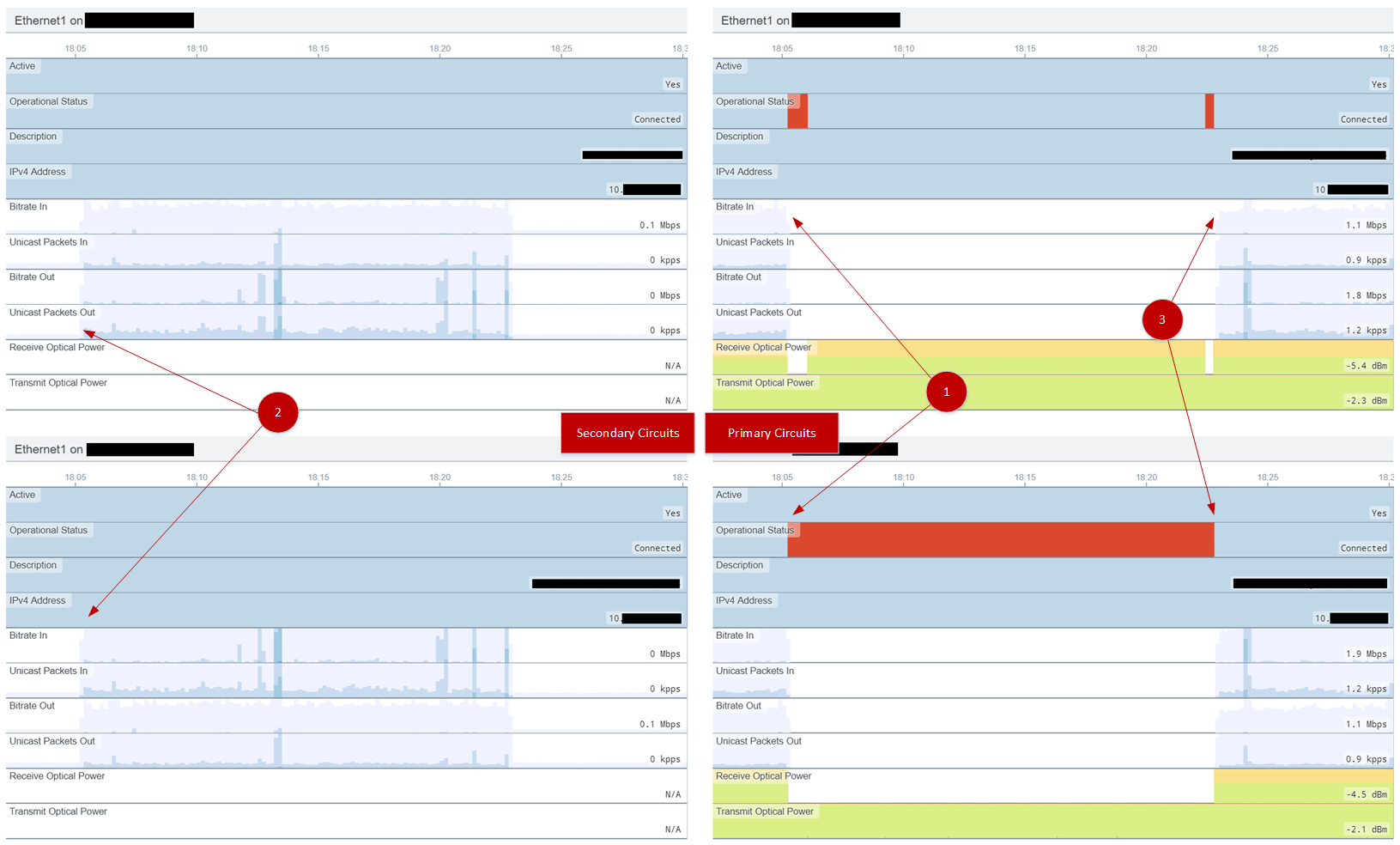
The screenshot below shows a 30 minute slice of time where fiber optic links were brought down on Carrier A, traffic flow changed, connectivity was restored with Carrier B, and normal traffic flow resumed.

1 – Technicians disconnect fiber for the Primary Circuit at sites A and B.
2 – As the routing neighbor between the A and B sites drop, traffic is automatically moved to the Secondary Circuits.
3 – When optical connectivity has been restored between the two sites, the Primary Circuit re-establishes. Routing reconverges and traffic is shifted back onto the Primary Circuit.

Normal workflow for a change like this involves camping Syslog and the various switches involved, issuing commands to show network activity as the maintenance progressed. With Arista’s Telemetry product, I was able to see the state of various network components (light levels, interface state, bit rate, etc) all in a real-time display.

So far an impressive way to gain visibility into network state across a bunch of different metrics at a glance. I’m looking forward to test this product with my other future projects.

Cisco Live 2017

I’m back in San Francisco after a solid few days of conference sessions, heat, crowds, and getting to meet all sort of new faces. This year I concentrated on Nexus 9000 and VXLAN sessions as we are refreshing our TOR solution in the datacenter.

Attended Sessions

  • BRKARC-3222 – Cisco Nexus 9000 Architecture
  • BRKDCN-3020 – Network Analytics using Nexus 3000/9000 Switches
  • BRKDCN-3378 – Building Data Center Networks with VXLAN EVPN Overlays
  • BRKINI-2005 – Engineering Fast IO to the Network
  • BRKIPM-2264 – Multicast Troubleshooting
  • BRKRST-3320 – Troubleshooting BGP
  • BRKDCN-2015 – Nexus Standalone Container Networking

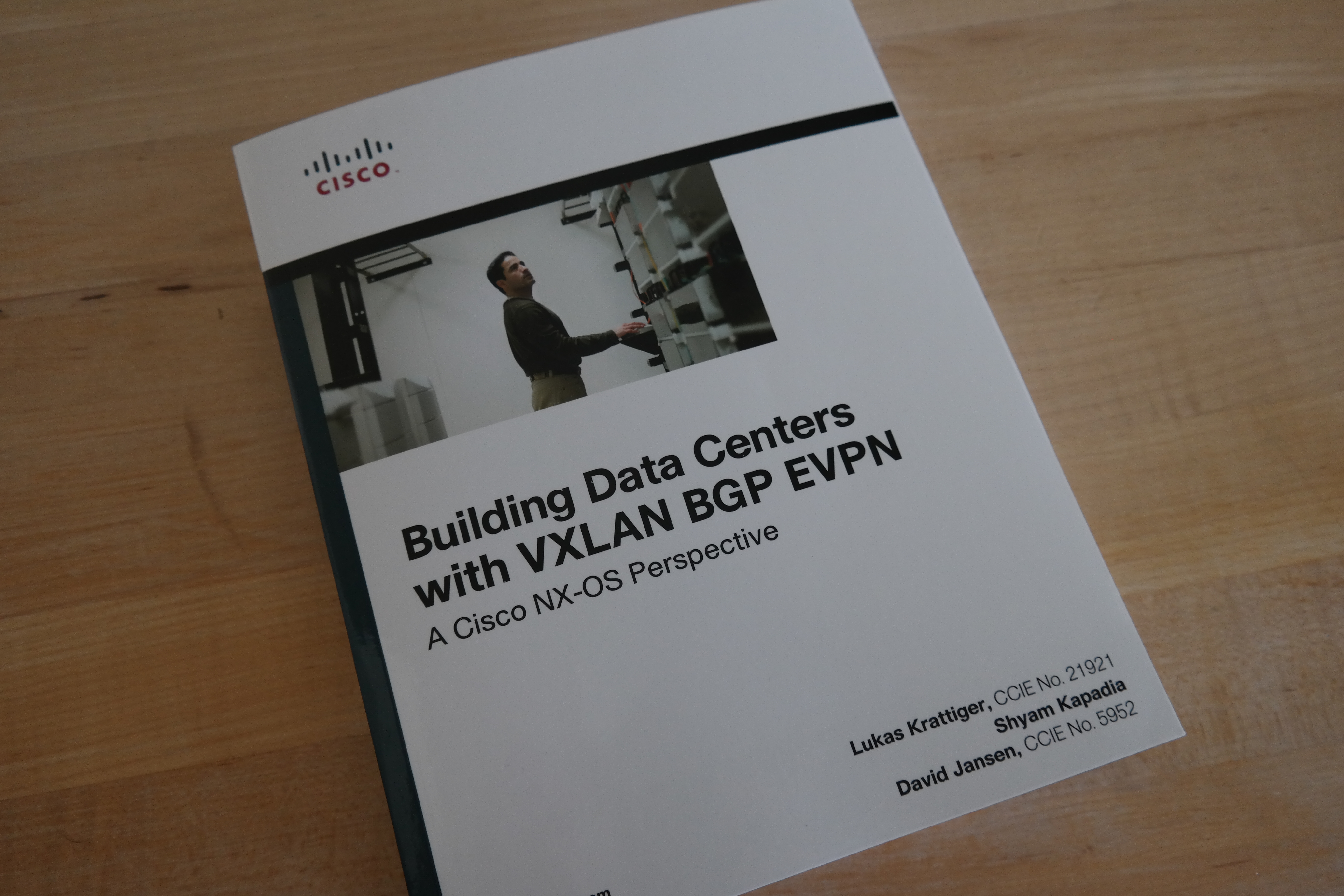
I also picked up a new addition to the library, Building Data Centers with VXLAN BGP EVPN.

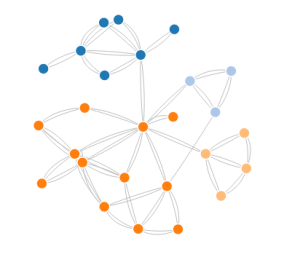
Force-Directed Network Diagram with Arista eAPI and D3.js

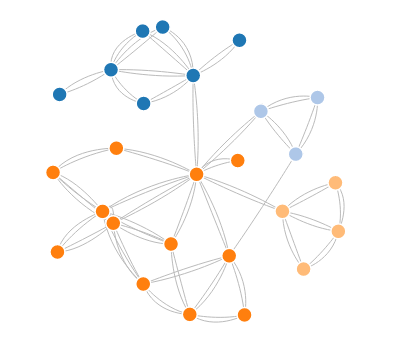
2016-05-23_force_direction_1Overview

The Arista eAPI give you the ability to interact with a switch over standard HTTPS and return structured JSON. Here a section of Python code to populate a database table to automatically generate a network diagram based on LLDP neighbor relationships.


Requirements

Arista EOS
Python 2.7
Postgresql
pyeapi

Database Tables

CREATE TABLE report.control
(
  id serial NOT NULL,
  "switchName" text NOT NULL,
  "interfaceName" text NOT NULL,
  "interfaceType" text,
  monitor boolean,
  description text NOT NULL,
  "remoteSwitchName" text,
  "remoteSwitchPort" text,
  "lineProtocolStatus" text,
  "interfaceStatus" text,
  site text,
  CONSTRAINT pk_report_control PRIMARY KEY ("switchName", "interfaceName")
)

Sample Python Code

Populating our database table with Switch and Interface information.

import pyeapi
pyeapi.load_config('nodes.conf')

def control_insert_lldp(switchName, interfaceName, remoteSwitchName, remoteSwitchPort):
    try:
        conn = psycopg2.connect(conn_string)
        cursor = conn.cursor()
        sql = '''
        UPDATE report.control
        SET "remoteSwitchName" = %s, "remoteSwitchPort" = %s
        WHERE "switchName" = %s AND "interfaceName" = %s
        '''
        data = (remoteSwitchName, remoteSwitchPort, switchName, interfaceName, )
        cursor.execute(sql, data, )
    except psycopg2.IntegrityError:
        conn.rollback()
    else:
        conn.commit()
    return 0

for switch in switches:
 node = pyeapi.connect_to(switch['deviceName'])
 try:
 output = node.enable('show lldp neighbors')
 neighbors = output[0]['result']['lldpNeighbors']
 for neighbor in neighbors:
 neighborDevice = removedomain(neighbor['neighborDevice'])
 control_insert_lldp(hostname, neighbor['port'], neighborDevice, neighbor['neighborPort'])
 except Exception as e:
 print(e)

Getting a list of switches from our database table.

def network_switches():
    conn = psycopg2.connect(conn_string)
    cursor = conn.cursor(cursor_factory=RealDictCursor)
    sql = '''
    SELECT
    DISTINCT(control."switchName") as "name",
      site."siteDescription" as group
    FROM
      report.control
    WHERE
      "remoteSwitchName" != ''
    ORDER BY
      control."switchName"
    '''
    cursor.execute(sql, )
    results = cursor.fetchall()
    return results

Returning a LLDP neighbor value if we have one for each switch interface.

def network_lldp_neighbors(switchName):
    conn = psycopg2.connect(conn_string)
    cursor = conn.cursor(cursor_factory=RealDictCursor)
    sql = '''
    SELECT
      DISTINCT(control."remoteSwitchName") as "remoteName"
    FROM
      report.control
    WHERE
      "switchName" = %s AND
      "remoteSwitchName" != ''
    ORDER BY "remoteSwitchName"
    '''
    data = (switchName, )
    cursor.execute(sql, data, )
    results = cursor.fetchall()
    return results

Create a JSON string for D3.js Force-Directed Graph.

def d3_lldp(element):
    links = []
    value = 1
    nodes = network_switches()
    idCount = 0
    for row in nodes:
        row['id'] = idCount
        # row['group'] = 1
        idCount += 1

    for node in nodes:
        lldpswitches = network_lldp_neighbors(node['name'])
        source = node['id']

        for connection in lldpswitches:
            for row in nodes:
                if row['name'] == connection['remoteName']:
                    target = row['id']
                    result = {'source': source, 'target': target, 'value': value}
                    links.append(result)

    result = {'nodes': nodes, 'links': links}
    return json.dumps(result)

Arista ACE Training

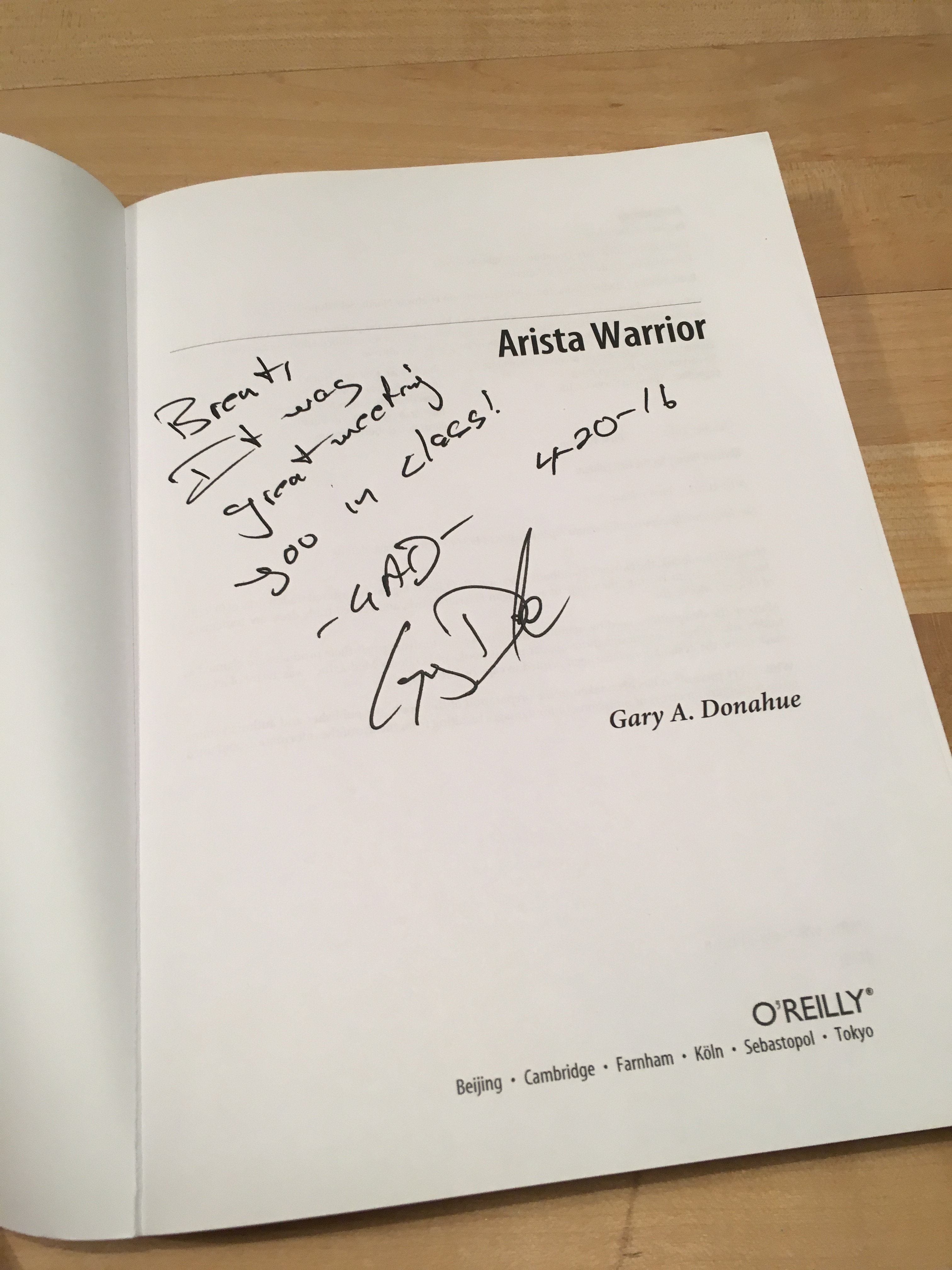
Last week I had the opportunity to attend Arista ACE 2.1 training down at the HQ offices in Santa Clara. I was very fortunate to be in a class that was lead by Gary Donahue, the author of Arista Warrior. He is an excellent presenter and a extremely personable individual. If you ever have a chance to be in a class of his, sign up for it.

Photo Apr 18, 12 00 12 PM

The training was very hands on, with labs that covered Zero Touch Provisioning (ZTP), Multi-Chassis LAG (MLAG), Virtual Extensible LAN (VXLAN), and my favorite topic, the wonderful EAPI. Coming from a Cisco CCNA/CCNP background, these topics helped fill knowledge gaps on the Arista family of hardware.

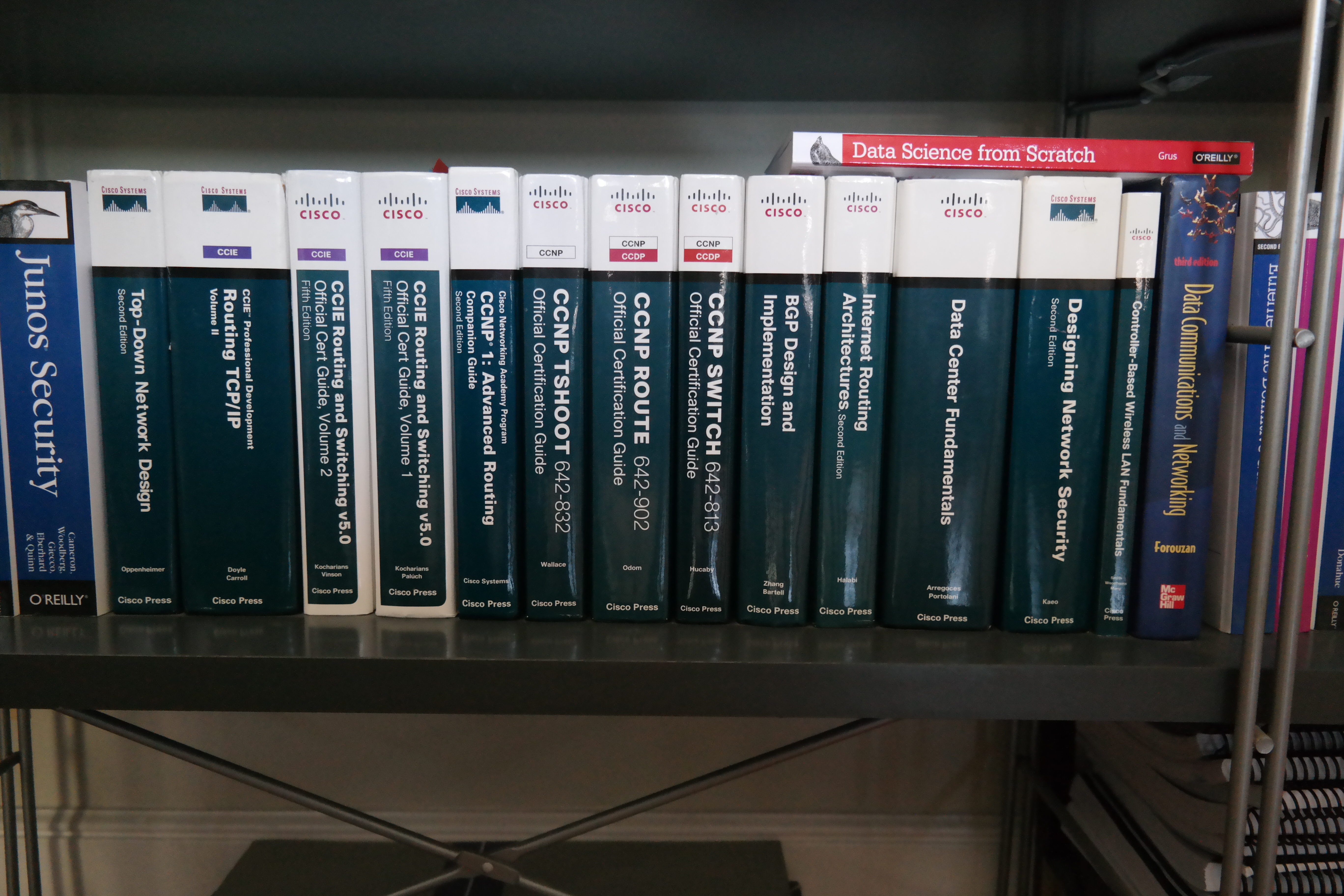
At the end of the class, Gary was signing copies of his book so I left with a author signed copy of Arista Warrior. Not a bad addition to the growing collection of O’Reilly books around the house.

Photo Apr 25, 8 14 33 PM

GNS3 and VRRP Timers

While testing out a VRRP solution, I noticed that it was not performing as expected. The VRRP address was unresponsive so I started to investigate. Turning on console logging, I saw a large amount of flapping between Backup and Master states.

...
*Mar  1 02:37:23.739: VRRP: Grp 1 Event - Master down timer expired
*Mar  1 02:37:23.739: %VRRP-6-STATECHANGE: Vl20 Grp 1 state Backup -> Master
*Mar  1 02:37:25.095: %VRRP-6-STATECHANGE: Vl20 Grp 1 state Master -> Backup
...

It turns out that running 8 routers in GNS3 on my laptop was slightly under-powered platform and resulting in over a 2 second maximum response time from a VRRP peer.

Sending 8000, 100-byte ICMP Echos to 10.10.20.1, timeout is 2 seconds:
!!!!!!!!!!!!!!!!!!!!!!!!!!!!!!!!!!!!!!!!!!!!!!!!!!!!!!!!!!!!!!!!!!!!!!
!!!!!!!!!!!!!!!!!!!!!!!!!!!!!!!!!!!!!!!..!!!..........................
......................................................!!!!!!!!!!!!!!!!
!!....................................................................
.....................!!!......................!!!!!!!!!!!.!!!!!!!!!!!!
..!!!!!!!!!!!!!!!!!!!.!!!!!!!!!!!!!!!!!!!!!!!!!!!!!!!!!!!!!!!!!!!!!!!!
!!!!!!!!!!!!!!!!!!!!!!!!!!!!!!!!!!!!!!!.!!!!!!!!!!!!.!!!!!!!!!!!!!!!!!
!!!!!!!!!!!!!!!.!!!!!!!!!!!!!!!!!!!!!!!!!!!!!!!!!!!!!!!!!!!!!!!!!!!!!!
!!!!!!!!!!!!!!!!!!!!!!.!!!!!!!!!!!!!!!!!!!!!!!!!!!!!!!!!!!!!!!!!!!!!!!
!!!!!!!!!!!!!!!!!!!!!!!!!!!!!!!!!!!!.!!!!.!!!!!!!!!!.!!!!!!!!!!.!!!!!!
!!!!!!!!!!!!!!!!!!!!!!!!!!!!!!!!!!!!!!!!!.!!!!!!!!!!!!!!!!!!!!!!!!!!!!
!!!!!!!!!!!!!!!!!!!!!!!!!!!!!!!!!!!!!!!!!!!!!!!.
Success rate is 74 percent (611/818), round-trip min/avg/max = 4/705/1996 ms
Server-A#

After adjusting the advertise timers, everything started to perform as expected.

R1#
interface Vlan20
 ip address 10.10.20.2 255.255.255.0
 vrrp 1 ip 10.10.20.1
 vrrp 1 timers advertise 10
 vrrp 1 priority 110
 
R2#
interface Vlan20
 ip address 10.10.20.3 255.255.255.0
 vrrp 1 ip 10.10.20.1
 vrrp 1 timers advertise 10


CCNP Achieved

I passed CCNP Route 642-813 in January before the exam changed thus completing all three exams. Route was the most challenging of the three exams for me because I am now taking the lead on projects that involve routing, which is part of why I wanted to peruse the certification. Exciting times and I’ve started to take a peek at the CCIE 5.0 exam.

url

CCNP TSHOOT 642-832 Passed

I passed the CCNP TSHOOT exam yesterday and I have to say that this exam was my favorite out of all the Cisco ones that I have taken so far. The exam format of solving trouble tickets was a welcome change that I felt was really applicable to an Engineer’s daily tasks.

The official Cisco Press TSHOOT book, Bull’s Eye exam preparation strategies, and building the official lab topology out in GNS3 helped me prepare for the exam. I did update my GNS3 version to 1.0+ and needed to convert my project files to the new 1.0+ JSON format with gns3-converter.

Port Forwarding with Private Internet Access VPN Service

I had a hard time finding details on how to setup port forwarding with Private Internet Access so I wanted to share the details on how to set it up on a Debian system. The following directions will help you find your local IP access, request a port from Private Internet Access for Port Forwarding, configure your local firewall to allow inbound connections, and confirm that your application is listening on the specified port.

Here is a overview of the network topology with a remote user requesting to talk to your machine at home over the VPN connection to Private Internet Access with Port Forwarding setup on port 12345.

2014-10-22_port_forward_detail

  1. Obtain the VPN IP address by looking at the IP addresses in ifconfig. On my machine, the interface is a tun0 interface.
  2. Create a unique client ID with head -n 100 /dev/urandom | md5sum | tr -d ” -” > ~/.pia_client_id
  3. Request a port for port forwarding with curl -d “user=your_username&pass=your_password&client_id=$(cat ~/.pia_client_id)&local_ip=10.xxx.xxx.xxx” https://www.privateinternetaccess.com/vpninfo/port_forward_assignment
  4. Modify firewall to allow inbound traffic with sudo iptables -A INPUT -p tcp –dport 12345:12345 -j ACCEPT
  5. Set your application to listen on port 12345
  6. Confirm that your application is listening with sudo netstat -anp | grep 12345

Advanced Light Source User Meeting

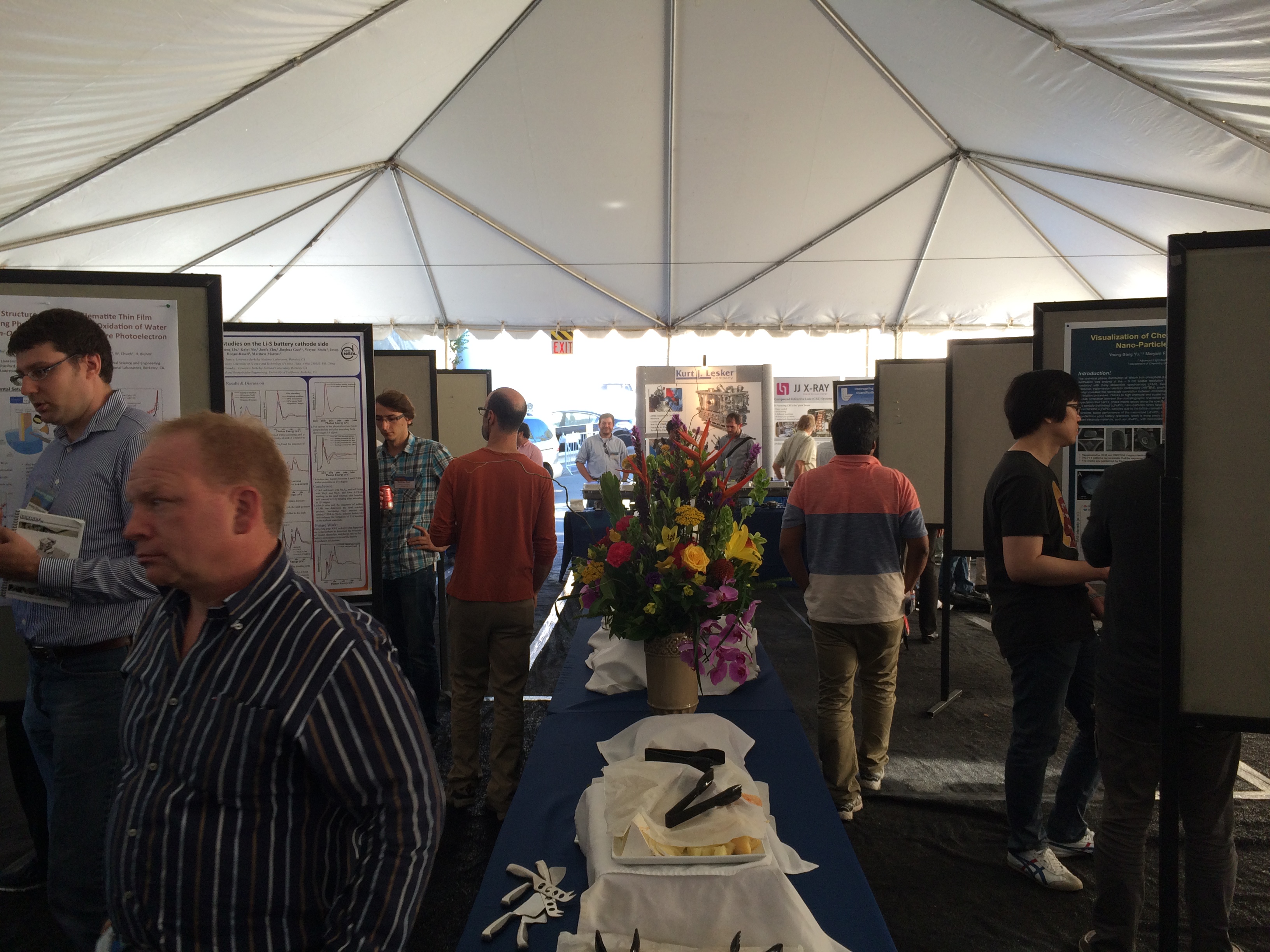
I was at the Advanced Light Source User Meeting as a representative of LBLnet today talking about the architecture of the Science DMZ to enable big data transfers across the WAN. We had an elegant poster that showed how the DMZ architecture fits into the enterprise design. There are still groups that are saving large data sets to hard drives and shipping them to the destination location rather than attempting to utilize the network and we want to help change that paradigm.

Credit for the majority of the design goes to my co-worker Michael at smitasin.com.

IMG_0199

IMG_0200